
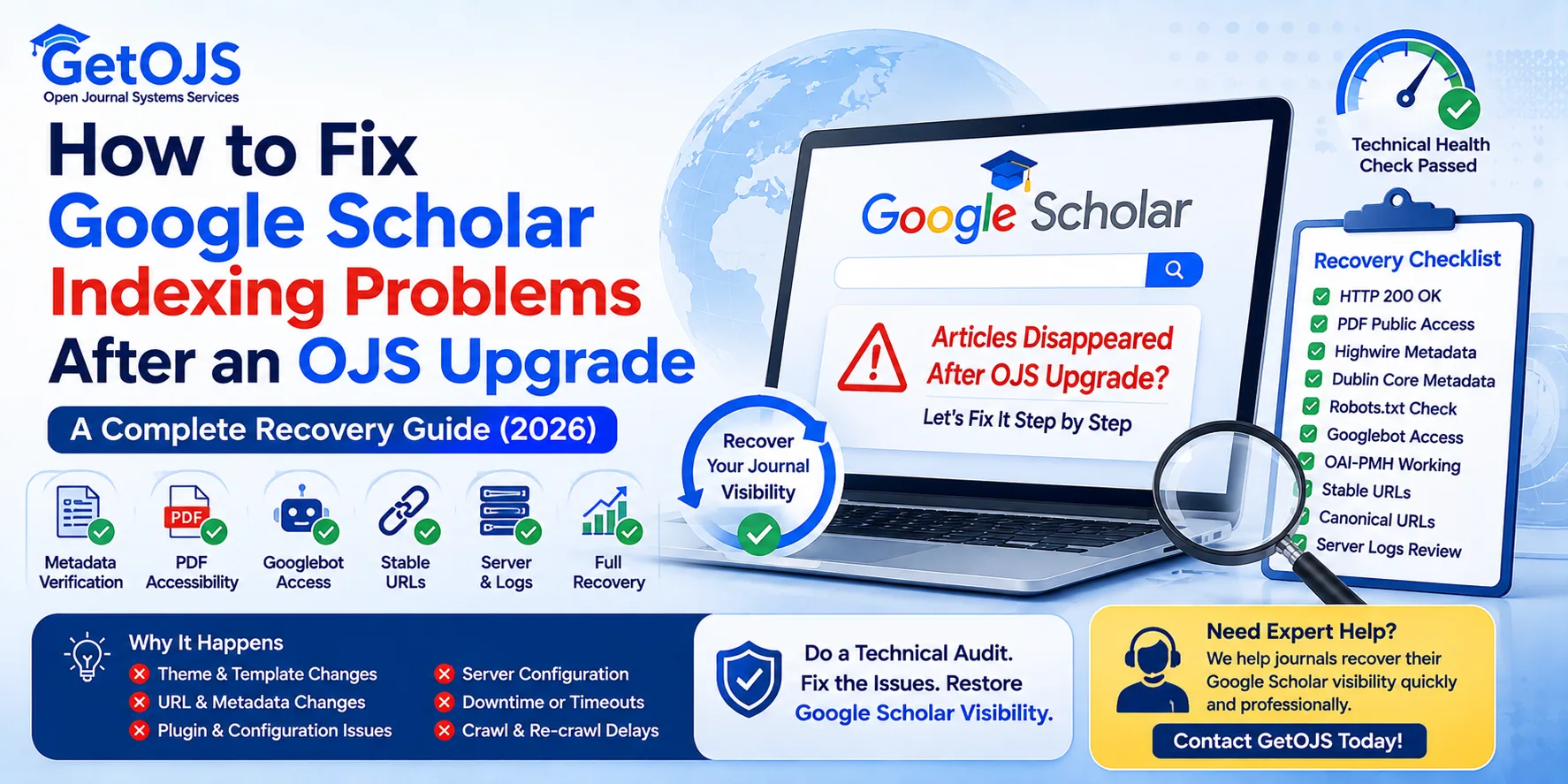
One of the most alarming situations for journal publishers occurs immediately after upgrading Open Journal Systems (OJS): “Our journal was indexed in Google Scholar before the upgrade. Now many or all of our articles have disappeared.”
For editors, this can feel like months or years of publishing effort have vanished overnight. Fortunately, in many cases the situation is recoverable.
This guide explains why Google Scholar visibility may change after an OJS upgrade, what should be checked first, and how to perform a systematic technical investigation before making unnecessary changes.
Why Does This Happen After an OJS Upgrade?
An OJS upgrade usually changes more than just the software version. It may also affect:
- HTML templates.
- Theme files.
- Metadata generation.
- Internal navigation.
- URL handling.
- PHP version.
- Server configuration.
- Plugin compatibility.
Even when an upgrade completes successfully, Google Scholar may need time to evaluate the updated journal structure.
The First Mistake Most Publishers Make
When indexing changes suddenly, publishers often react by making several additional changes at once:
- Installing new plugins.
- Changing themes.
- Editing metadata repeatedly.
- Modifying article URLs.
- Rebuilding the homepage.
- Reinstalling OJS.
Making multiple changes before identifying the root cause can make troubleshooting much more difficult. A structured technical audit is usually the safer approach.
Complete OJS Google Scholar Recovery Checklist
Step 1: Confirm Article Accessibility
Every public article page should return:
HTTP/1.1 200 OKAvoid responses such as:
- 403 Forbidden.
- 404 Not Found.
- 500 Internal Server Error.
- Redirect loops.
Google Scholar cannot reliably process articles that are not consistently accessible.
Step 2: Verify PDF Accessibility
The article PDF should:
- Open without login.
- Download directly.
- Return the correct PDF content type.
Content-Type: application/pdfBroken PDF links are among the most common indexing problems after migrations and upgrades.
Step 3: Verify Highwire Metadata
Check that every article includes scholarly citation metadata such as:
citation_titlecitation_authorcitation_journal_titlecitation_doicitation_pdf_urlcitation_volumecitation_issue
These fields help scholarly crawlers identify the publication correctly.
Step 4: Verify Dublin Core Metadata
Although Highwire metadata is particularly important, Dublin Core metadata also supports interoperability with scholarly repositories and related systems.
Step 5: Check Robots.txt
Ensure robots.txt does not block:
- Article pages.
- PDF downloads.
- OAI-PMH endpoints.
A simple robots configuration mistake can prevent crawlers from accessing scholarly content.
Step 6: Confirm Googlebot Accessibility
Test article pages using the Googlebot user agent. The expected response is:
HTTP/1.1 200 OKThis helps confirm that the server is not blocking Google's crawler.
Step 7: Validate OAI-PMH
Your OAI endpoint should respond correctly to requests such as:
- Identify.
- ListRecords.
- ListIdentifiers.
A functioning OAI-PMH service strengthens interoperability with scholarly systems.
Step 8: Review URL Stability
One of the most overlooked problems after an OJS upgrade is URL consistency.
Avoid:
- Changing article URLs unnecessarily.
- Mixing uppercase and lowercase paths.
- Introducing duplicate article URLs.
Stable article URLs support long-term discoverability and easier recovery after migrations.
Step 9: Review Canonical URLs
Each article should identify its preferred version through a canonical URL. This helps reduce ambiguity when multiple paths exist.
Step 10: Review Server Logs
Browser testing alone does not always reveal crawler-specific problems. Review server logs for requests from Google crawlers and check the response codes they receive.
- HTTP 200.
- HTTP 403.
- HTTP 500.
- HTTP 503.
Server logs often reveal technical issues that remain invisible in a normal browser session.
What If Everything Looks Correct?
This is the question many publishers eventually ask: “Everything passes our technical audit. Why are we still missing from Google Scholar?”
The source guide explains that this situation does occur. Google Scholar uses its own crawling and indexing processes, and publishers have limited visibility into those internal systems.
Even technically healthy journals may experience delays before updated content is reflected, particularly after major platform upgrades or structural changes.
A Real-World Audit Example
The source material describes a journal that disappeared from Google Scholar after an OJS upgrade. The audit confirmed:
- Highwire metadata present.
- Dublin Core metadata present.
- HTTPS enabled.
- Robots.txt correctly configured.
- Googlebot access successful.
- PDF downloads publicly accessible.
- HTTP 200 responses.
- OAI-PMH functioning.
No critical technical issue was identified that would normally prevent scholarly indexing. The journal appeared technically prepared while awaiting further reprocessing by Google Scholar.
How ScholarJMS Reduces Upgrade Risks
Many indexing concerns arise during upgrades because several technical components can change at once. ScholarJMS follows a managed-platform approach that emphasizes:
- Controlled platform updates.
- Stable metadata generation.
- Consistent article URLs.
- DOI-ready landing pages.
- Built-in OAI-PMH.
- Responsive article layouts.
- Secure hosting.
- Technical publishing support.
This approach can reduce the operational complexity publishers often face when maintaining journal infrastructure.
Should You Migrate Immediately?
Not necessarily.
If your existing OJS installation is technically healthy, there may be no need for an immediate migration. However, if your editorial team repeatedly encounters challenges with upgrades, server maintenance, plugin compatibility or technical troubleshooting, it may be worth evaluating whether a managed publishing platform better fits your long-term needs.
When Should You Seek Professional Help?
Consider requesting a technical audit if:
- Articles disappeared after an upgrade.
- New articles are not appearing in Google Scholar.
- PDFs no longer download correctly.
- Metadata changed unexpectedly.
- Server errors occur intermittently.
- URL structures changed during migration.
A structured review can identify technical issues before additional platform changes are made.
Final Thoughts
An OJS upgrade does not automatically cause Google Scholar to stop indexing a journal. Most successful recoveries begin with a careful technical review rather than immediate platform changes.
Verify metadata, article accessibility, PDF availability, HTTP responses, robots configuration and URL consistency. If these components are functioning correctly, maintaining a stable publishing environment while allowing time for Google Scholar to revisit the journal is often the most appropriate approach.
Why Publishers Choose ScholarJMS
ScholarJMS is presented as a modern journal publishing platform developed to simplify scholarly publishing while maintaining technical consistency.
- Editorial workflow management.
- Peer review system.
- DOI integration.
- OAI-PMH support.
- Structured metadata generation.
- Managed hosting.
- Security updates.
- Technical maintenance.
- Journal migration assistance.
- Publishing consultancy.
Rather than spending editorial time troubleshooting infrastructure, publishers can focus on research quality, peer review and journal growth.
Frequently Asked Questions
Why did my journal disappear from Google Scholar after an OJS upgrade?
An OJS upgrade can affect templates, themes, metadata generation, navigation, URLs, PHP, server settings and plugin compatibility. Google Scholar may also need time to evaluate the updated structure.
What should I check first?
Start with article accessibility, PDFs, Highwire metadata, Dublin Core metadata, robots.txt, Googlebot accessibility, OAI-PMH, URL stability, canonical URLs and server logs.
Should I reinstall OJS?
Not immediately. Reinstalling or making multiple changes before identifying the root cause can complicate troubleshooting. A structured technical audit is usually a safer first step.
What if every technical check passes?
A technically healthy journal may still need time for Google Scholar to revisit and reprocess the updated platform.
Should I migrate away from OJS?
Not necessarily. If your OJS installation is technically healthy, there may be no need to migrate immediately. A managed platform may be worth evaluating when upgrades, hosting, plugin compatibility and support remain recurring issues.
Has Your Journal Disappeared from Google Scholar After an OJS Upgrade?
Our team can review Highwire metadata, DOI configuration, PDFs, HTTP responses, robots.txt, OAI-PMH, URL consistency, canonical tags, server configuration and overall Google Scholar readiness.